Bootcamp
Module 1 — Design foundations: your first real build

Photo by Kelly Sikkema on Unsplash
The Momentum Bubble Bootcamp was a paid, cohort-based program that trained hundreds of developers — many of whom went on to professional Bubble careers. We’re releasing the whole curriculum free, as a written series, because almost everything it teaches has outlived the tool it was taught in.
The first lesson of professional app development: the editor is not the skill. The skill is knowing what you’re trying to build, structuring it in named, reusable pieces, and checking it against reality early.
Where the course begins
Module 1 doesn’t begin with theory — it begins with a tour of the workspace and then an immediate, real build. In the Bubble editor that meant learning the design canvas, the element tree, and the property inspector; in any modern tool it means the same first move: learn where everything lives before you try to make anything.
Then, in four hands-on lessons, students built the front page of a real business site:
1. The header
Not a decoration — a container exercise. A header teaches horizontal layout, alignment, spacing and the discipline of building something once that will appear on every page. Students learnt to think in rows and groups from the first hour.
2. The hero
The hero section is where layout meets message: one headline, one supporting line, one call to action, one image. The teaching point that survives every platform: a hero has one job, and every element you add to it dilutes that job.
3. Feature cards
Cards are the first repeating pattern — build one card properly (image, heading, text, consistent padding), then repeat it. Repetition exposes sloppiness instantly: if your first card was built with ad-hoc spacing, the third one tells on you.
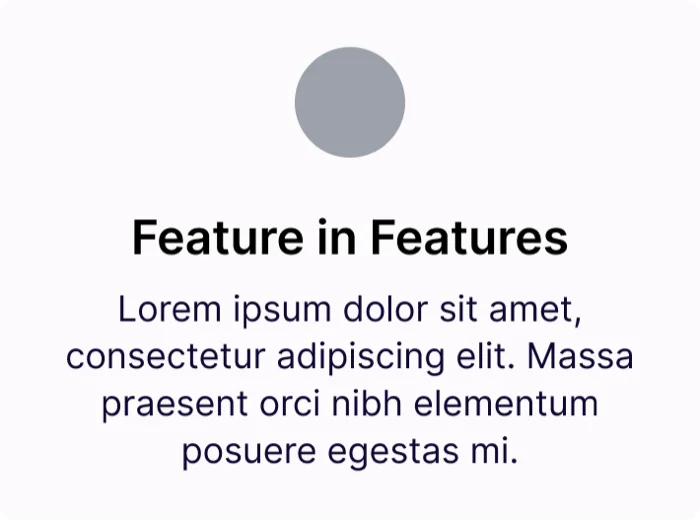 One card, built once as a reusable component — then repeated. Consistent padding is the whole game (from the course’s own design files).
4. Homework that ships
Module 1 ended with students publishing their page and sharing it. Shipping on day one was deliberate: the fastest way to learn is to put something real where other people can see it.
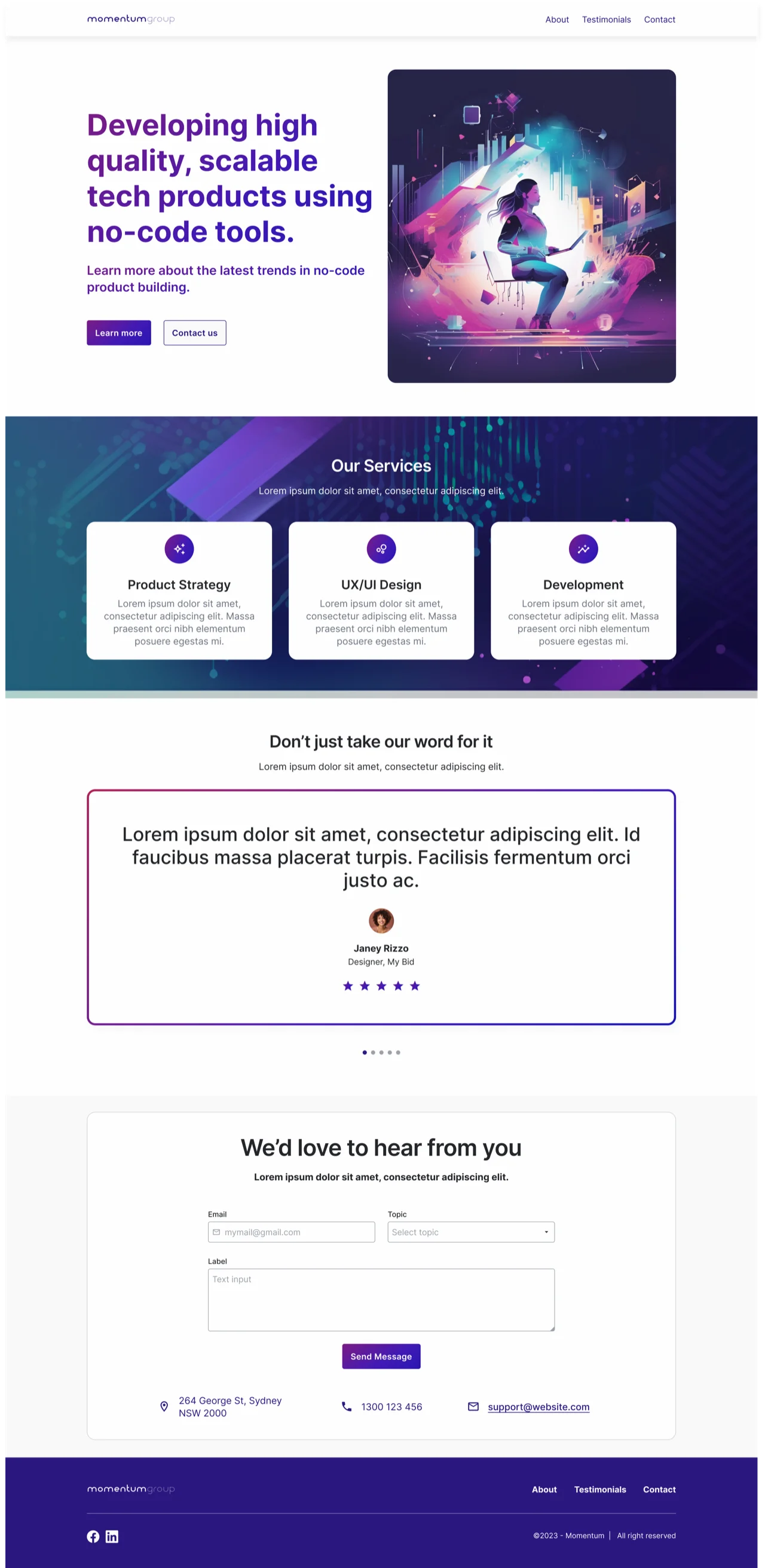 The homepage at the heart of Module 1, from the course’s own design files: header, a one-job hero, and a repeating feature-card pattern — the whole front page of a real business site.
Try it yourself
Build a three-section landing page for any business you know — header, hero, three feature cards. Two rules: every container gets a meaningful name, and every spacing value gets reused (pick a scale — 8, 16, 24, 48 — and never freelance). Those two rules alone put you ahead of most first builds we ever reviewed.
This skill in the AI era
When you build with an AI tool like Claude Code, you become the director rather than the bricklayer — and directors still need to know what a well-structured page is. “Build me a landing page” produces something generic; “build a header, a single-message hero, and a repeating feature-card component on an 8-pixel spacing scale” produces something professional. Module 1’s habits are, almost word for word, a good AI prompt. Read how we made that transition ourselves, or see what we build now as an AI web development studio.
If this sparked something, let's talk.
No pitch, no pressure — just a conversation about what you're working on.
Let's talkRelated posts
Bootcamp
A simple approach to data modelling
A four-step method for designing a database schema: identify entities, map relationships, choose fields. Taught through the CRM data model built in Bubble.
Bootcamp
API calls as actions vs data (and the planning checklist)
When to use Bubble API calls as actions versus data sources, a one-to-many auth pattern, and the planning checklist that keeps integrations from failing silently.
Bootcamp
Module 5 — Application architecture: pages, states and reusable pieces
Single-page vs multi-page apps, URL parameters, custom states, reusable elements — and a big practical building a main template with an expanding navigation drawer.