Bootcamp
Module 7 — Workflows: events, actions, accounts and control flow

Photo by Kelly Sikkema on Unsplash
Everything before this module was structure; Module 7 is behaviour. This is where an interface becomes an application.
The event → action model: every piece of app behaviour is a response to an event — a click, a page load, a data change — executing an ordered list of actions, possibly guarded by conditions. Learn to think in this shape and you can reason about any application, in any tool, including raw code.
The curriculum
Events and actions established the model. Users and account workflows built the universal kit — sign up, log in, log out, reset — followed by the current user and the security container: the idea that “who is logged in” is the anchor for everything personal, and that trusting the client is how apps get breached. Conditionals and control flow added branching (“only if…”), custom events added reuse for logic (the workflow version of Module 5’s reusable elements), and workflow timing confronted the asynchronous reality that steps don’t always finish in the order your eyes read them. Then the professional pair most courses skip: debugging as a method, and error handling — deciding what the user sees when things fail, because things fail.
The practical wired the account kit into the app: a working auth screen and a settings page where users manage their own credentials.
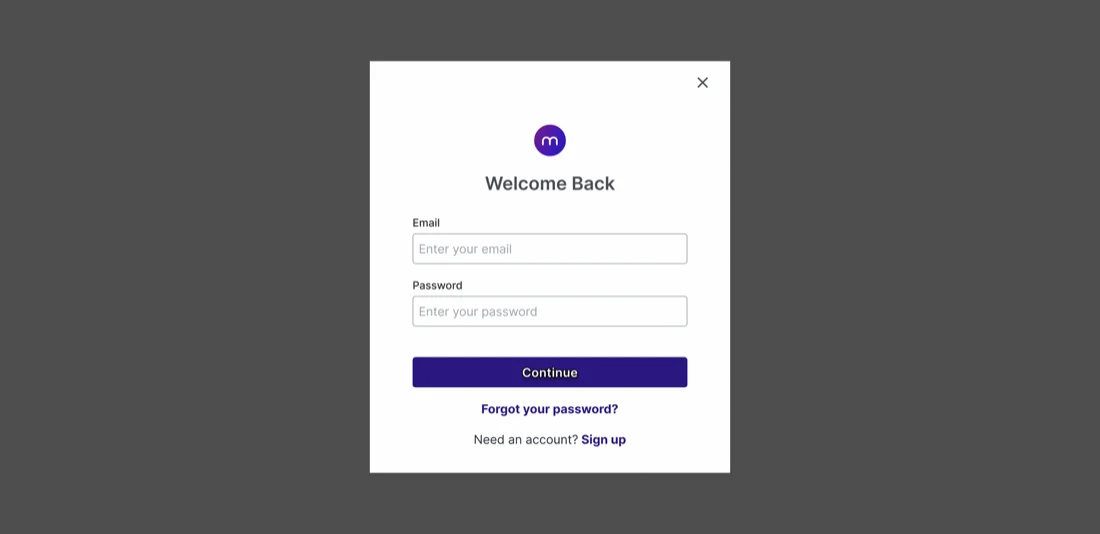 The account kit in practice: a log-in screen. Behind it sits Module 7’s real lesson — the event → action workflow (submit → validate → authenticate → redirect), plus the failure and logged-out cases most builders forget. From the course’s own design files.
Try it yourself
Write your app’s behaviour as plain sentences before building any of it: “When a visitor submits the sign-up form → create the account → log them in → send them to onboarding.” If a sentence gets long, it’s telling you to split the logic. This event-action prose is pseudocode — you’re programming already, whatever the tool.
This skill in the AI era
Events, conditions, async timing, error paths — this is simply programming, taught visually. It’s why strong Bubble developers transition to AI-assisted coding faster than almost anyone: the mental model was already installed, only the syntax changed. When Claude Code writes an auth flow for us, Module 7 is the checklist we review it against — does it handle the failure case, the timing case, the logged-out case? More on that transition, and on how we apply it building AI-era products.
If this sparked something, let's talk.
No pitch, no pressure — just a conversation about what you're working on.
Let's talkRelated posts
Bootcamp
A simple approach to data modelling
A four-step method for designing a database schema: identify entities, map relationships, choose fields. Taught through the CRM data model built in Bubble.
Bootcamp
API calls as actions vs data (and the planning checklist)
When to use Bubble API calls as actions versus data sources, a one-to-many auth pattern, and the planning checklist that keeps integrations from failing silently.
Bootcamp
Module 5 — Application architecture: pages, states and reusable pieces
Single-page vs multi-page apps, URL parameters, custom states, reusable elements — and a big practical building a main template with an expanding navigation drawer.