
Sydney · drop the CMS bill, keep the CRM
Migrate off HubSpot CMS
Move your website off CMS Hub without touching your CRM. We rebuild the site on a fast, owned stack, keep HubSpot doing what it's good at, and cut the bill.


Photo by Athithan Vignakaran on Unsplash
The thing that stops people leaving CMS Hub is a myth: "our site is wired into our CRM, so we can't move it." You can. Forms, tracking, chat and meetings are all embeds — they keep writing to HubSpot from any site. So we move the pages to a fast Astro build you own, keep your CRM and Marketing Hub exactly as they are, and drop the CMS Hub line item. You get near-free hosting and same-day edits without disturbing a single contact record.
What We Do
What moving off CMS Hub looks like
What you keep in HubSpot
- Your CRM and contact records
- HubSpot forms (embedded, still write to contacts)
- Tracking, analytics & attribution
- Chat, meetings & workflows
What we move to Astro
- All your public marketing pages
- Blog & content, with 301 maps tested
- Faster loads, near-free hosting
- Code you own on GitHub
What you stop paying for
- CMS Hub Pro/Enterprise fees
- Theme & template constraints
- Per-change reliance on HubSpot
- Lock-in on HubL/HubDB content
Our Work
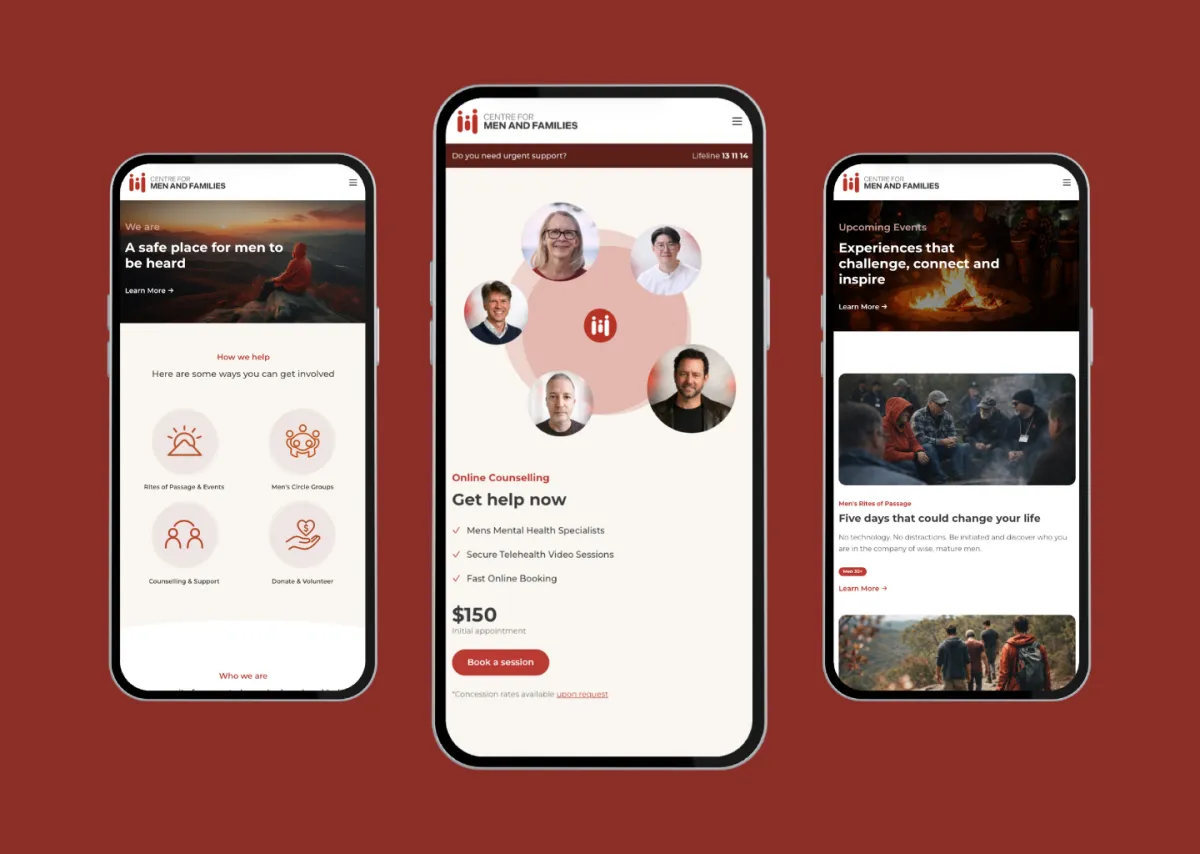
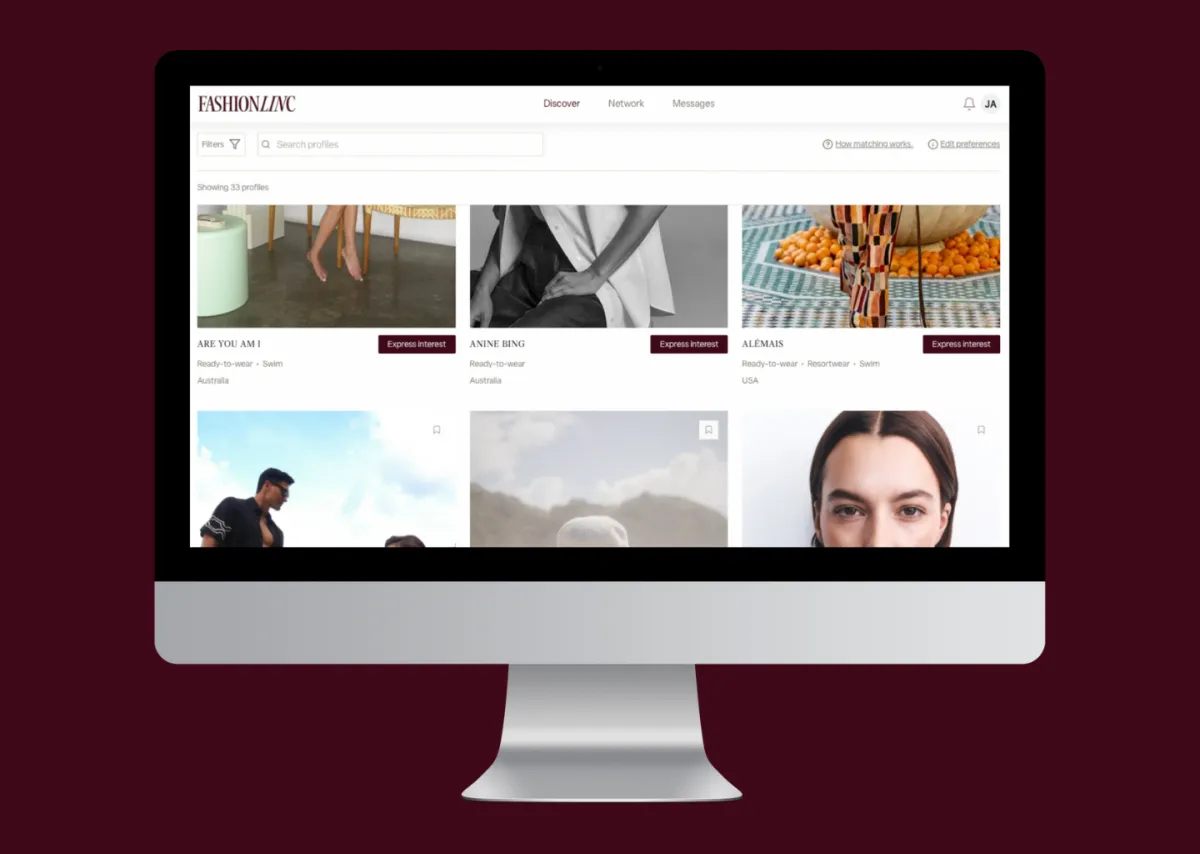
A few we're proud of.




Why Momentum
When to pull the site out — and when not to
It's worth it when you're on CMS Hub Pro (~$450/mo) or Enterprise (~$1,500/mo) and the site is mostly standard marketing pages: cut a real bill, keep everything else. It's worth pausing if you're only on cheap CMS Starter (the saving is marginal), or you lean heavily on server-rendered smart content and personalisation across many pages — that's where HubSpot's native rendering earns its keep. The usual answer is the hybrid: main site on Astro with HubSpot embedded, and if you run personalised campaign pages, keep those on a hs-sites subdomain. We'll tell you honestly which side of the line you're on.
Let's talkWhy teams move off CMS Hub
- CRM untouched — forms & tracking keep working
- CMS Hub fee gone, hosting near-free
- Faster pages, full design freedom
- Code you own, editable same-day
FAQ
Common questions
We're deep in HubSpot — won't moving the site break our CRM?
No. The connections between your website and HubSpot are embeds and tracking, not the pages themselves. We embed your HubSpot forms (they keep writing to contacts), keep the tracking script firing so analytics and attribution flow as normal, and carry across chat and meeting scheduling. Your CRM, contacts and Marketing Hub are untouched — we move the pages, not your revenue engine.
What do we actually save by dropping CMS Hub?
The CMS Hub subscription — which is billed separately from your CRM and Marketing Hub. On CMS Hub Pro that's around $450/month, and Enterprise around $1,500, plus you're off HubL/HubDB lock-in. If you're only on CMS Starter the saving is small, and we'll say so rather than sell you a move that doesn't pay for itself.
What about smart content and personalisation?
If a few pages rely on HubSpot's per-visitor smart content, the cleanest answer is a hybrid: rebuild the main marketing site on Astro and keep those specific personalised pages on a HubSpot hs-sites subdomain. For most sites, though, the personalisation is light enough to reproduce with embedded HubSpot elements or simple logic — we'll assess it page by page.
Will I lose my Google rankings?
Not when it's engineered. We inventory every URL from Search Console, map and test 301 redirects before launch, stage the cutover so nothing goes dark, and monitor rankings afterwards. On a recent rebuild this method took organic clicks from 9 to 149 a month straight after cutover.
Can my team still edit the site and keep using HubSpot?
Yes to both. Everyday content is editable through a simple CMS, bigger changes are made with AI against the repo, and your marketers keep using HubSpot for campaigns, email, forms and the CRM exactly as before. Nothing about your HubSpot workflow changes — you just stop paying to host the website there.
On a different platform?
Start from where you are now — each guide covers that platform's specific quirks, redirects and running-cost.
Paying for CMS Hub you've outgrown?
Send us your URL and your CMS tier — we'll show you what moves, what stays in HubSpot, and what you save.
Let's Talk